Whether you’re remote working, running your own business from home, or simply learning more about IT infrastructure, software, networking, and the like, you need a space that allows you to be as productive as possible. You might not have the space for both a productive home office and a capable home lab in one, so here, we’re going to look at the tips that can help you set it all up in the same space. Finding the right balance should help you better experiment and develop while till maintaining the productivity and peace required for a fully functional office space.
Make Cable Management A Priority
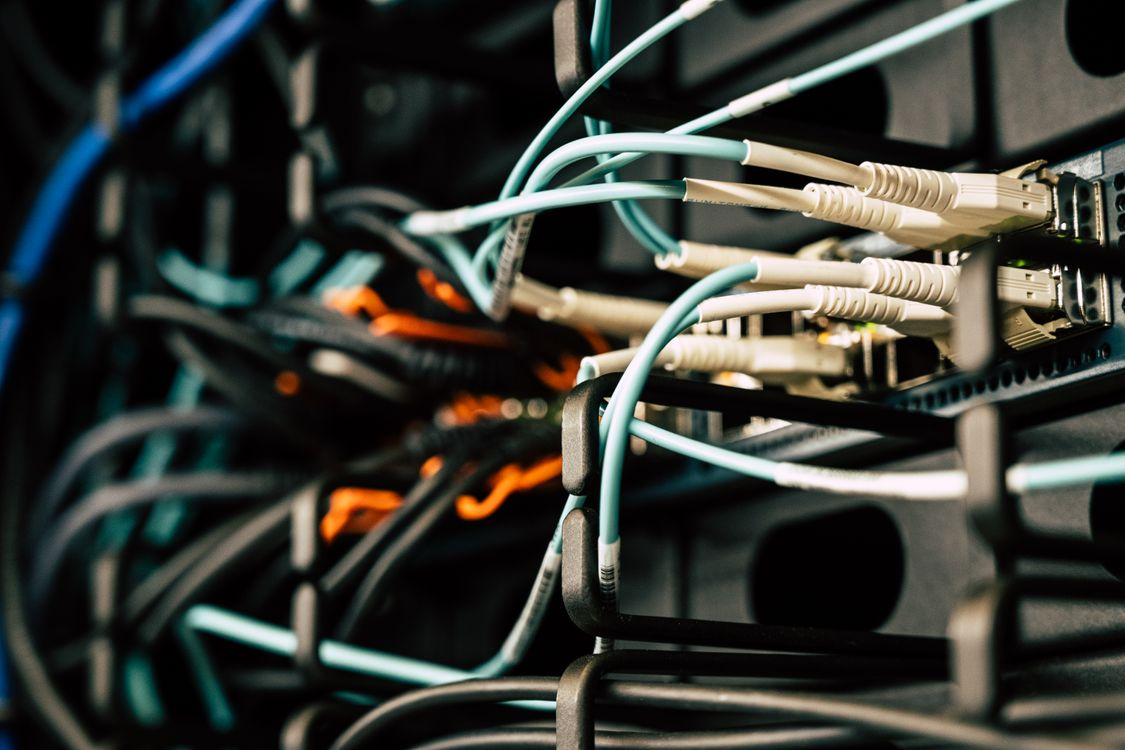
One of the biggest problems with any hardware-heavy setup, especially if you’re also trying to work productively within it, is the sheer amount of cables that can get involved. Power cables, Ethernet lines, USB devices, and monitor connections can become overwhelming once lab equipment starts expanding. The best solution is to plan cable management before you add any more hardware. There are a host of cable management tools you can use, from Velcro straps and adhesive cable clips to under-desk trays. The more cables you get, the more you might want to consider labeling them, as well, making it easier to troubleshoot, test, and change connections as needed.
Opt For Quiet Hardware
If you’re working in the same space that you’re developing hardware setups, then don’t underestimate how much of an issue noise can cause. Constant fan noise can be a real issue, not just when you’re trying to focus down and concentrate on your work, but also when you’re trying to have meetings or listen to audio media and messages. When you choose hardware, make noise a priority, looking at options like mini PCs, fanless switches, and low-RPM cooling solutions that can help you meet your performance needs without things getting too noisy. Placement matters as well, such as mounting equipment under a desk or inside ventilated cabinets to reduce noise without increasing the risk of overheating.
Virtualize More Of Your Hardware
If you’re looking to mitigate the noise caused by running multiple hardware setups, to avoid overheating in the space, and to save some of the physical space that might be taken up by excessive devices, then you might want to look into small-form-factor virtualization systems. Compact hardware that’s able to run multiple virtual machines and containers, such as small form factor Promox hardware, can make it a lot easier to fit the systems you need on mini PCs instead of traditional rack-mounted servers. These devices are much smaller but are still powerful enough for hosting development environments, network monitoring tools, media servers, and automation platforms while remaining quiet and energy efficient. This can help you manage a much cleaner office environment without having to sacrifice the practicality of your home lab setup.
Keep It Power Efficient (And Cool)
Aside from generating a lot of noise, traditional home lab server software can consume a lot of electricity, which also means that they generate a lot of heat. Needless to say, this can become very uncomfortable when you’re trying to use that space as a home office, especially on long workdays. Modern low-power CPUs and energy-efficient mini systems now offer enough performance for most virtualization and self-hosting needs without high electrical costs. You should also consider choosing networking switches and SSD storage based on their ability to lower your total power consumption. Aside from keeping your combo home office and lab comfortable, it can also reduce how expensive it is to run.

Maintain A Separate Space For Each
You don’t want the different functions of your workspace to overlap. It can make it a lot harder to switch work gears if you have to tidy away the home lab setup before you’re able to start your other work. As such, it might be a good idea to keep your primary workspace clean and ready to hop on at any time, while having a dedicated area for your lab equipment nearby. One good way to do this is with an L-shaped office desk that allows you to set up two distinct spaces that you can easily move between without having to take up too much space. A little visual space can help as well, and you might want to set up shelving units or compact racks to keep networking equipment slightly out of sight, avoiding the visual distraction that clutter can cause.
Invest In Proper Lighting And Ergonomics
Productivity isn’t just about having room for all of the equipment that you need, but ensuring that the space is comfortable and usable, as well. For instance, you should make sure that you have proper lighting to reduce the risk of eye strain and avoid the gloomy feeling of a dark space that can drain your productivity. Sprucing up your home office with desk lamps and natural light sources can make it a lot more comfortable. Ergonomics is just as important, so ensure that you have a solid office chair that fully supports your back and a desk at the right height to allow you to work on it without straining
Consider When Your Needs Might Outgrow Your Space
At some point, you might find that you’re no longer able to fit both a home office and a home lab in the same space. You might have too much hardware to share with a working space, or you might find that you need more general office equipment that also needs its own room. To that end, you might want to consider setting up an additional workspace at home, whether you finish an existing space like the attic, basement, or garage to do it, or even build an extension or an outbuilding to serve as a second, distinct workzone.
If you want a modern home office that can also serve as your home lab, then the tips above show that it’s more than possible. It’s all about planning your space well, utilizing the right equipment, and keeping all of your needs in mind.