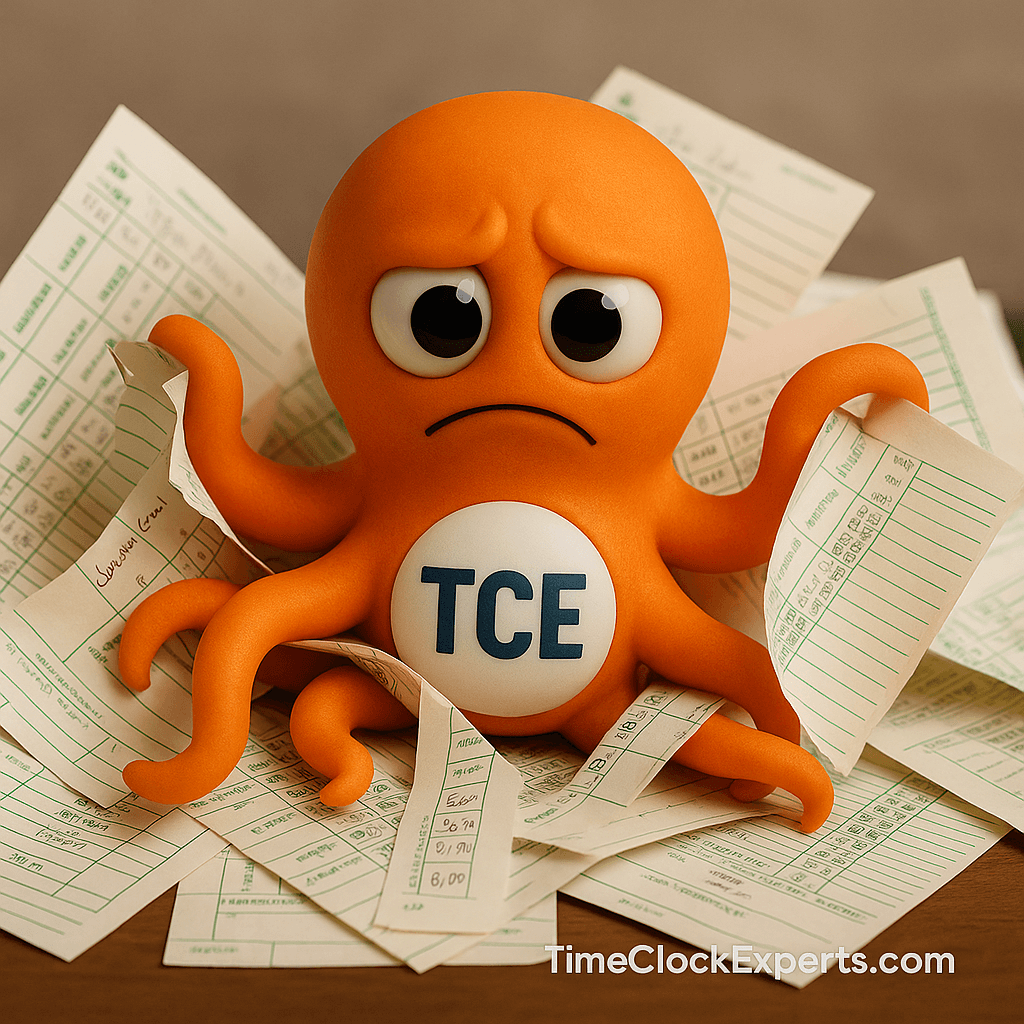
Payroll should be simple, right? But for many businesses—especially those juggling paper logs or outdated systems—it becomes this weekly mess of chasing down missing hours, deciphering handwritten notes, and hoping nobody skipped their lunch break (again). If this sounds familiar, you’re in good company. Hundreds of HR and operations teams are still stuck in the weeds with their time tracking process.
Enter time clock software. It’s not just another shiny tech solution—it’s the fix for a problem you’ve probably been tolerating for too long. In this blog, we’ll walk through the real-world journey of an HR manager navigating the chaos of outdated tracking tools and how upgrading to smarter time clock programs changed the game.
Curious question: What would your team do with an extra five hours every week—if timesheets just managed themselves?

When Growing Teams Hit a Wall (Literally)
Let’s start with the obvious: traditional punch clocks only go so far. One mid-sized warehouse we consulted ran into this hard limit—their wall-mounted time clock maxed out at 50 users. Every time they onboarded someone new, IT was asked to perform magic tricks. When they couldn’t, HR was stuck making phone calls to track attendance. It got old fast.
The fix? Switching to time clock software that offered user scalability through software licensing. No need to purchase new hardware or install additional devices. It was just a few clicks and boom—more capacity, zero downtime, and no explaining to finance why new clocks were on the budget again.
According to Workforce Software Insights, companies using scalable clock software reduce operational disruption while keeping costs down—ideal for high-growth teams that need flexibility now, not next quarter.
Another important perk that often flies under the radar? Training. When you upgrade your system with software rather than hardware, your team doesn’t have to learn a brand-new interface. It’s often just an extension of what they already know—same buttons, better power. That matters in environments with high turnover or seasonal staff. You want people clocking in, not calling IT for help.
Job Costing Woes and the “Best Guess” Problem
Now picture this: a construction company trying to track job costs using handwritten timesheets and memory. You can probably already hear the chaos. We met with their project manager, who admitted they were just “rounding” time entries because no one knew exactly when tasks started or stopped. Not surprisingly, they were losing money.
They upgraded to an enhanced time clock program with integrated job costing. Now, employees tag time entries by task and job site directly at the clock or through desktop software. Project billing improved practically overnight.

In fact, a 2024 study by Labor Sync found that companies implementing job-costing tools within their time clock software saw an average 15% increase in profitability. No more “best guesses”—just clean, accountable data.
In industries where jobs blend together—construction, landscaping, cleaning services—this kind of specificity is gold. It lets you see not just when someone worked, but what they were doing and for whom. That insight can reshape how you price, how you bid, and ultimately how you grow.
Lunch Break Disputes: End Them Before They Begin
Let’s talk about lunches—more specifically, how often employees forget to log them. Whether it’s because someone was on a call, in the field, or just forgot, it creates a mess come payroll day. Disputes over short checks, missed breaks, and inconsistent deductions waste hours every week.
That’s why a manufacturer we supported switched to a time clock program that automatically deducts lunch breaks based on schedule rules. No more guessing. No more manual edits. Just accurate pay every time.
The Payroll Association reported in early 2025 that automated lunch deductions reduce payroll errors by as much as 30%. That’s less stress for payroll admins and less friction with employees.
And here’s a bonus: automation protects against favoritism. No more managers making judgment calls about who gets docked for a 37-minute break. It’s fair, consistent, and saves everyone from those awkward “can we talk about my hours” conversations.

Monthly Subscription Overload? We Feel You
We live in the age of subscriptions. It’s great for some things—like streaming shows or getting coffee delivered to your door—but not always ideal for business tools. One small retail chain told us they were “getting nickel and dimed to death” by every software they used. Clocking in was costing them monthly, whether they used all the features or not.
They were relieved to find standalone clock software that doesn’t require a subscription. With a one-time payment, they got lifetime access, full control, and peace of mind.
TechForBiz reported that SMEs are increasingly moving toward software solutions with no monthly costs, appreciating the cost predictability and long-term ROI these platforms provide.
There’s a psychological edge too—knowing you’re not being charged for a feature you haven’t used in months. Budgeting becomes clearer. Planning becomes easier. Ownership feels… satisfying.
Customer Feedback
★★★★★ Warehouse Supervisor: “This software saved us from replacing three wall units. It scaled as we grew—zero hardware headaches.”
★★★★★ Payroll Admin: “The auto-lunch deduction cut our weekly corrections in half. Employees trust the system now.”
Frequently Asked Questions
- How does time clock software help with employee growth? It allows for scalable licensing without changing or purchasing new hardware, making onboarding seamless.
- Can it integrate job costing without changing how we clock in? Yes. Many time clock programs add costing options within existing workflows without confusing users.
- Is a non-subscription clock system reliable long-term? Absolutely. If you choose reputable software, you get updates and support without ongoing fees.
Whether you’re managing 10 people or 100, payroll and time tracking shouldn’t feel like you’re flying blind every week. With the right time clock software—especially one that supports customizable time clock programs and scalable clock software—you can finally ditch the guesswork and reclaim your Fridays.
This isn’t just about automating a few entries. It’s about building a workplace where time is respected, data is trusted, and payroll doesn’t require aspirin. Whether you’re dealing with shift changes, overtime, remote workers, or labor law headaches—good software takes that burden off your plate.
Start simple. Upgrade smart. Let your system work for you—not the other way around. And if you’re not sure where to begin, give Clocktopus™ a shout. He’s got more arms than most consultants—and a better sense of humor, too.
